Guide
How to Choose a WordPress Plugin: Free vs Premium Checklist

By Raimundo Oliveira, founder & editor · Published · Updated · 2 min read
Fact-checked against official vendor pages · How we review
Before installing a WordPress plugin, check its last update, WordPress compatibility, active installations and ratings on WordPress.org. For premium plugins, also review the license renewal, site limits and refund policy.
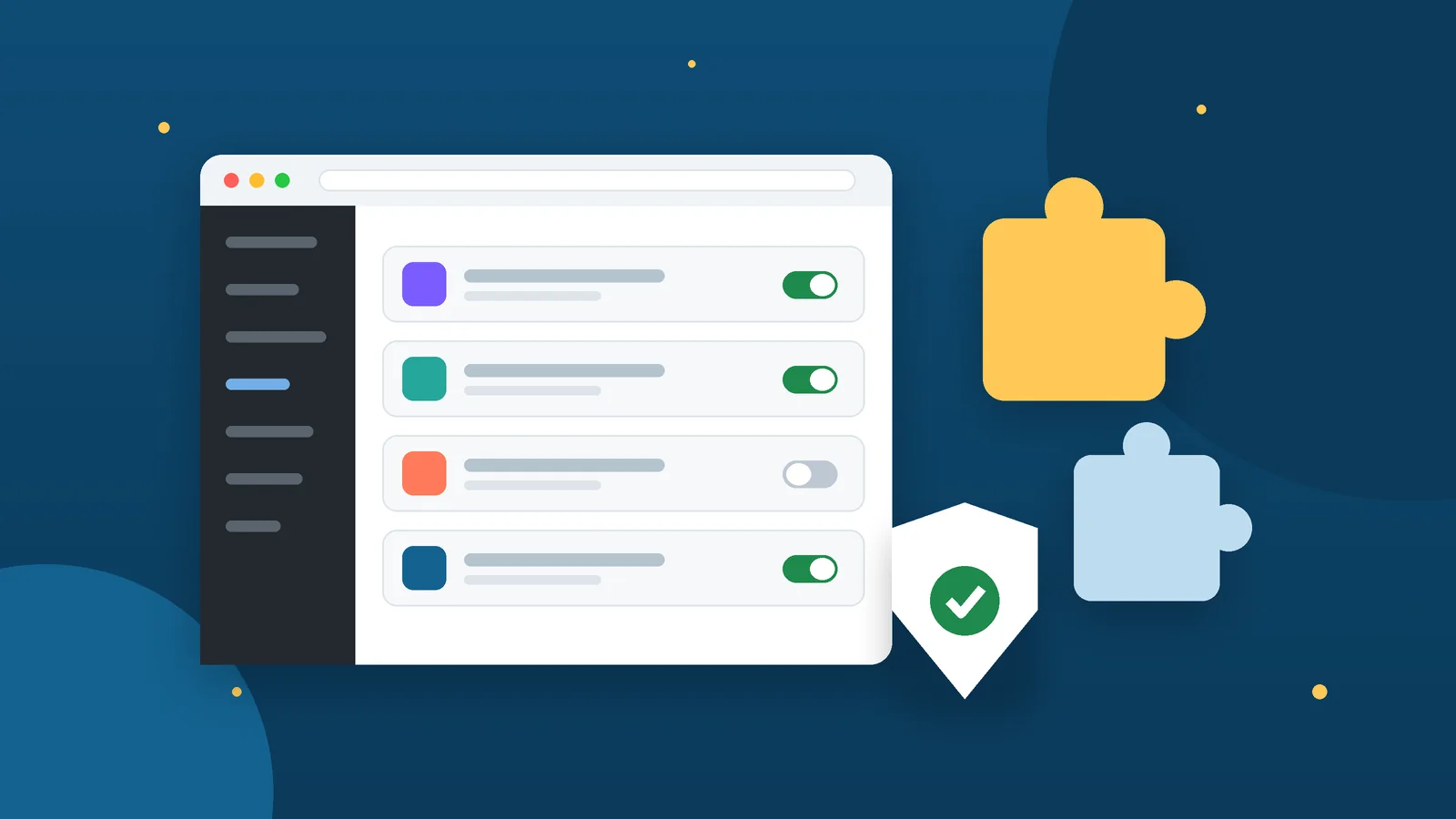
Key takeaways
- Check last update, compatibility, active installs and ratings before installing.
- For premium plugins, compare the renewal price, site limit and refund window.
- Never install nulled (pirated) plugins: they often hide malware.
- Back up and test on a staging site before activating new plugins.

Bluehost · Our pick for first websites
From $3.99/mo intro (36-month term) · renews at $9.99/mo
Quick answer
Quick answer
Install only plugins you really need, from the WordPress.org Plugin Directory or the developer’s official website. Prefer plugins that were updated recently, are compatible with your WordPress version, have many active installations and good ratings. Test on a staging site and keep a backup before installing.
Hosting we cover
- Get Bluehost hosting
Bluehost Our pick for first websites
From $3.99/mo intro (36-month term) · renews at $9.99/mo
Some links are affiliate links. How we earn money.
The 5 checks recommended by Learn WordPress
- Last updated: shows whether the developer is still maintaining the plugin.
- WordPress compatibility: “Tested up to” should match a recent WordPress version.
- Active installations: a large user base usually means problems get reported and fixed.
- Ratings and reviews: read the recent 1- and 2-star reviews, not just the average.
- Feature fit: know exactly what you need, then search for that.
Extra checks we recommend
- PHP version required, and whether your host meets it.
- Support forum activity: are questions answered?
- Overlap: don’t run two plugins that do the same job (two SEO or two cache plugins).
- Performance: test page speed before and after installing.
- Data on uninstall: does it leave tables or settings behind?
Free vs premium plugins
| Free plugin (WordPress.org) | Premium plugin | |
|---|---|---|
| Price | Free | Yearly or lifetime license |
| Updates | Through the WordPress dashboard | Usually require an active license key |
| Support | Community forum | Ticket or email support from the developer |
| Features | Core features | Advanced features, add-ons, templates |
| What to check | Last update, installs, ratings | Renewal price, number of sites, refund window |
Many popular plugins use both models. WooCommerce, for example, is listed as free on WordPress.org, with more than 7 million active installations, and offers paid extensions for features such as subscriptions and bookings.
Premium license checklist
- Renewal price: is the first-year discount followed by a higher renewal?
- Number of sites covered by the license.
- What happens if you don’t renew: the plugin usually keeps working, but updates and support stop.
- Refund window and how to request it.
- Official source: buy only from the developer’s site or an authorized marketplace.
Selling online with WordPress? See Shopify vs WooCommerce before you add a store plugin.
Never install nulled plugins
“Nulled” plugins are pirated copies of premium plugins shared for free. They often contain malware or hidden backdoors, receive no security updates and break the license terms. A cheap or free legitimate alternative is always safer.
Safe installation routine
- Back up the site (files and database).
- Install and test on a staging site first, if your host offers one.
- Activate one plugin at a time and check the front end and checkout.
- Remove plugins you no longer use; deactivated plugins can still be a risk.
Need a built-in staging site? HostGator lists WordPress staging, SSH and WP-CLI on its shared plans (HostGator review):
Where to host a WordPress site
Plugins run on your hosting, so a reliable host with backups matters as much as the plugins themselves. Read how to choose web hosting for the full checklist.
Need a home for your WordPress site?
Bluehost shared hosting includes free SSL, weekly backups and a 30-day money-back guarantee.
Frequently asked questions
Are free WordPress plugins safe?
Plugins from the WordPress.org Plugin Directory are generally safe when they are updated regularly, compatible with your WordPress version and widely used. Always keep them updated and remove unused ones.
What happens if I don’t renew a premium plugin license?
In most cases the plugin keeps working, but you stop receiving updates and support. Missing security updates is the main risk, so check the developer’s terms.
How many plugins is too many?
There is no fixed number. What matters is quality: a few poorly coded plugins can slow a site more than many well-built ones. Install only what you use.
What is a nulled plugin?
A pirated copy of a premium plugin. Nulled plugins often include malware and get no updates, so never install them.
Sources checked
- Learn WordPress — How to choose and install plugins · checked November 14, 2026
- WordPress.org — WooCommerce plugin page · checked November 14, 2026
General information, not professional advice. Plans, prices and features change: confirm them on the vendor’s official site before you buy. Affiliate disclosure · How we review
Keep reading
How to Choose Web Hosting for a Small Website in 2026
Shared, WordPress, VPS or a site builder? Compare hosting types, read renewal prices correctly and use our 7-point checklist before you buy.
Read the guide
Shopify vs WooCommerce: Which Is Better for a New Online Store?
Shopify plans, card rates and third-party fees compared with WooCommerce on WordPress: real costs, skills needed and who should pick each one.
Read the guide
What Is a Travel eSIM and How to Set One Up on iPhone and Android
What a travel eSIM is, which phones support it and the official steps to install it on iPhone and Google Pixel, plus tips to avoid roaming charges.
Read the guide
Free Cloud Storage Compared: TeraBox, Google Drive, Dropbox, OneDrive and iCloud
How much free storage TeraBox, Google Drive, Dropbox, OneDrive and iCloud give you, the limits that matter and which free plan fits each use.
Read the guide