Guide
What Is a Travel eSIM and How to Set One Up on iPhone and Android

By Raimundo Oliveira, founder & editor · Published · Updated · 3 min read
Fact-checked against official vendor pages · How we review
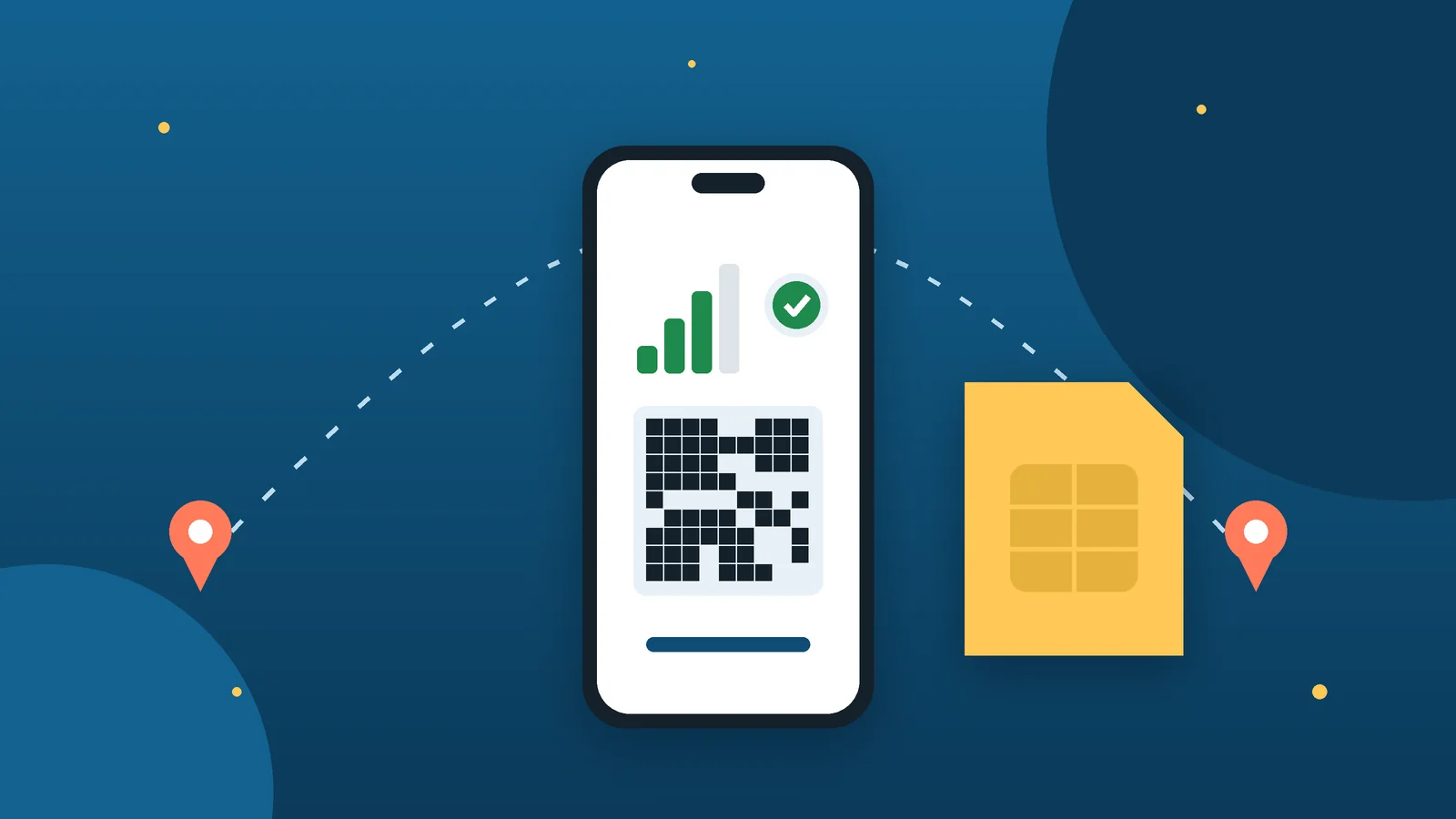
A travel eSIM is a digital SIM with a prepaid data plan for another country. It works on an unlocked phone such as an iPhone XS or later or a recent Google Pixel, and installs with a QR code or app.
Key takeaways
- A travel eSIM is a prepaid data plan you install with a QR code, no SIM card needed.
- Your phone must support eSIM and be unlocked (iPhone XS/XR or later, recent Pixel).
- Install it at home on Wi-Fi, then switch cellular data to the travel line on arrival.
- Most travel eSIMs are data-only; keep your home line for texts if you need them.
Quick answer
Quick answer
A travel eSIM lets you buy mobile data for your destination online and install it on your phone in minutes, without a physical SIM card. Your phone must support eSIM and be unlocked. Install it before you leave (on Wi-Fi), then switch mobile data to the travel line when you land.
Our pick at a glance
 See SIMZY eSIM plans
SIMZY Our pick for travel data
Europe plans from $5 (2 GB / 7 days)
Some links are affiliate links. How we earn money.
What is an eSIM?
An eSIM is a SIM built into the phone. Instead of inserting a plastic card, you download a carrier profile, usually by scanning a QR code or through the provider’s app. A travel eSIM is a prepaid data plan for one country, a region or worldwide use.
Travel eSIM vs roaming vs local SIM
| Option | How it works | Good for | Watch out for |
|---|---|---|---|
| Travel eSIM | Buy a data plan online and install it digitally | Short trips, data-only use | Usually data only, no local phone number |
| Home carrier roaming | Keep your plan and pay roaming or a travel pass | Calls and texts on your usual number | Daily fees can add up |
| Local physical SIM | Buy a SIM card at the destination | Long stays, local number | Store visit, sometimes ID registration |
Before you buy: requirements
- Compatible phone: Apple says iPhone eSIM travel use needs an iPhone XS, XS Max, XR or later. Many recent Android phones, including Google Pixel models, also support eSIM.
- Unlocked phone: on iPhone, go to Settings > General > About and check that “No SIM Restrictions” appears next to Network Provider Lock.
- Internet connection to download the eSIM (Wi-Fi or hotspot), in most cases.
- ID: some providers ask for a passport to activate.
- Mainland China: Apple notes that only specific newer iPhone models support eSIM there; check before you travel.
How to install a travel eSIM on iPhone
- Buy a prepaid data plan from a worldwide or local provider (before the trip or after you arrive).
- Activate it the way the provider explains, usually by scanning a QR code or using its app.
- On arrival, if you see “Turn On Travel eSIM” (iOS 26 and later), tap it and choose whether to keep your home line on too.
- To choose the data line manually, go to Settings > Cellular (Mobile Data) > Cellular Data and select the travel eSIM. Your home line can still handle iMessage and FaceTime.
- Back home, iPhone should switch back automatically; if not, go to Settings > Cellular, turn your main line on and turn off the travel line.
How to install a travel eSIM on Google Pixel
- Open Settings.
- Go to Network & internet > SIMs > Add SIM > Set up an eSIM.
- Follow the on-screen steps (scan the QR code or use the details from your provider).
- If the eSIM isn’t detected, contact the provider with your phone’s IMEI.
On other Android brands, the menu names vary (look for SIM manager or SIMs in Settings). Check your manufacturer’s support page.
Our pick for Europe trips: SIMZY
SIMZY is a travel eSIM provider that says it covers 220+ destinations. In September 2026 it launched Europe plans, activated with a QR code sent by email, with top-ups and an app to track data use.
| SIMZY Europe plan | Price (USD) |
|---|---|
| 2 GB / 7 days, data only | $5.00 |
| 10 GB / 10 days, data only | $15.00 |
| Unlimited / 10 days, data only | $25.00 |
| Unlimited / 30 days, data only | $45.00 |
| Unlimited / 30 days + unlimited minutes and SMS | $49.00 |
Reference · prices confirmed on simzy.com on November 14, 2026 (USD), unchanged since the September 3, 2026 launch. Check coverage and fair-use rules before you buy. More in our SIMZY review.
Tips to avoid surprise charges
- Turn off data roaming on your home line if your carrier charges for it, and keep it on for the travel eSIM if the provider asks.
- Install the eSIM at home on Wi-Fi, but activate the plan only when you arrive if its validity starts on first use.
- Keep the QR code until the trip ends; some eSIMs can’t be reinstalled once deleted.
- Check whether the plan includes hotspot use and calls, or data only.
Traveling to Europe soon?
SIMZY Europe eSIM plans start at $5 for 2 GB / 7 days, with unlimited options from $25.
Frequently asked questions
Can I keep my normal number while using a travel eSIM?
Yes, on phones with Dual SIM support. You can keep your home line active for calls, texts or iMessage while the travel eSIM handles data, but your home carrier may charge roaming for activity on that line.
Which iPhone models support travel eSIMs?
Apple lists iPhone XS, XS Max, XR and later. The phone must be unlocked; check Settings > General > About for “No SIM Restrictions”.
When should I install a travel eSIM?
Installing before you leave, on Wi-Fi, is easiest. Many plans start counting days only when they first connect at the destination, but check your provider’s rules.
Does a travel eSIM include calls and texts?
Most travel eSIMs are data-only. You can still use internet calling apps. Some providers sell plans with a local number.
Sources checked
- Apple Support — Use eSIM while traveling internationally with your iPhone · checked November 14, 2026
- Google — Pixel Phone Help: Set up a new eSIM · checked November 14, 2026
- SIMZY — Europe eSIM plans launch announcement (September 3, 2026) · checked November 14, 2026
General information, not professional advice. Plans, prices and features change: confirm them on the vendor’s official site before you buy. Affiliate disclosure · How we review
Keep reading
How to Choose Web Hosting for a Small Website in 2026
Shared, WordPress, VPS or a site builder? Compare hosting types, read renewal prices correctly and use our 7-point checklist before you buy.
Read the guide
Shopify vs WooCommerce: Which Is Better for a New Online Store?
Shopify plans, card rates and third-party fees compared with WooCommerce on WordPress: real costs, skills needed and who should pick each one.
Read the guide
Free Cloud Storage Compared: TeraBox, Google Drive, Dropbox, OneDrive and iCloud
How much free storage TeraBox, Google Drive, Dropbox, OneDrive and iCloud give you, the limits that matter and which free plan fits each use.
Read the guide
How to Choose a WordPress Plugin: Free vs Premium Checklist
A checklist to pick safe WordPress plugins: updates, compatibility, installs, ratings, support and premium license terms, plus what never to install.
Read the guide